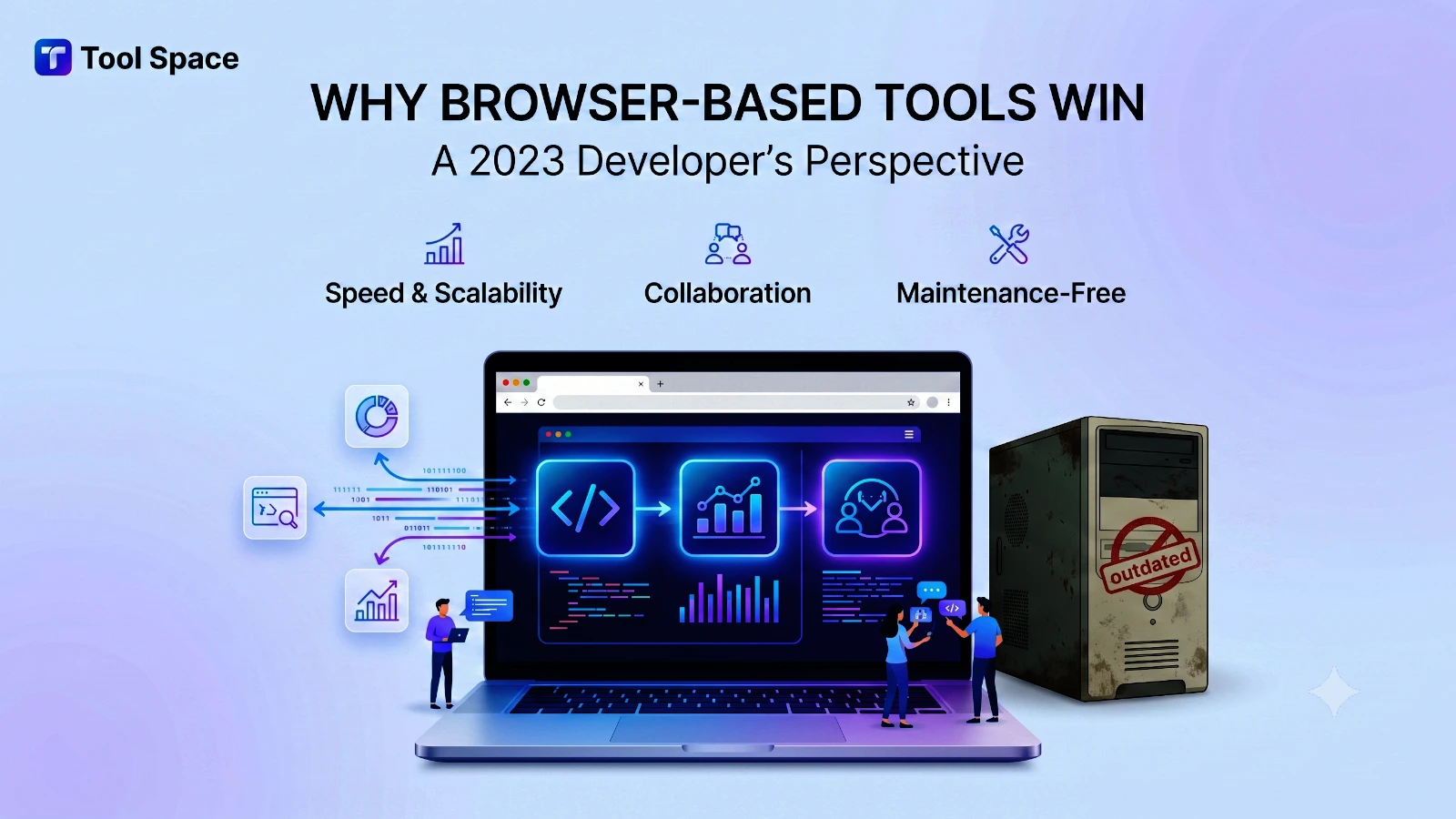
The software landscape has fundamentally shifted. A decade ago, “serious” tools meant downloading desktop applications. Today, the equation has flipped. Browser-based tools now offer capabilities that rival—and often exceed—their desktop counterparts.
This isn’t nostalgia or trend-chasing. The advantages are concrete: immediate access without installation, genuine privacy through client-side processing, automatic updates that eliminate version fragmentation, and cross-platform compatibility that “works everywhere.”
If you’re still instinctively reaching for desktop software, this guide will demonstrate why 2026 web-based tools deserve reconsideration—especially for developers and professionals who value privacy, efficiency, and flexibility.
The Fundamental Advantage: Zero Installation, Instant Access
Desktop Workflow (Traditional)
- Search for application (5 minutes)
- Download installer (2-10 minutes, depends on size and speed)
- Run installer (1-5 minutes)
- Grant permissions and configure (2-5 minutes)
- Restart computer if required (2 minutes)
- Total time: 12-27 minutes before you can work
Browser-Based Tool Workflow (Modern)
- Search for tool (30 seconds)
- Click link, tool opens (instant)
- Total time: 30 seconds before you can work
This 40x speed difference compounds across a professional career. Over 20 years, the time saved is approximately 2,000 hours—equivalent to a year of full-time work.
Privacy: The Overlooked Advantage
The Desktop Software Privacy Paradox
Most desktop software requires internet connections for activation, updates, and telemetry. Your “local” software often phones home:
- Activation Systems: Validate licenses; typically log hardware information
- Update Checkers: Contact servers daily or weekly
- Analytics: Many applications send usage data
- Crash Reporting: Reports errors and potentially sensitive context
Client-Side Browser Processing: True Privacy
Browser-based tools built with proper architecture process data entirely within your browser:
- No Server Upload: Your files never leave your device
- No Tracking: No license servers, no analytics, no usage reporting
- No Installation Telemetry: No system-level monitoring
- Transparent Code: Often open-source; you can inspect exactly what it does
- Verifiable Behavior: Browser developer tools let you inspect network requests and confirm zero uploads
Privacy Guarantees You Can Verify:
- Open browser DevTools (F12)
- Check Network tab—no uploads to servers
- Check local storage—data remains on your device
This transparency is impossible with desktop software, which can hide its behavior in compiled code and kernel-level operations.
The Technical Capabilities Gap is Closing
Historical Limitations (Pre-2020)
Browser-based tools genuinely had technical limitations:
- JavaScript performance was 10-100x slower
- Memory management was restrictive
- File I/O operations were limited
- Graphics rendering was primitive
Modern Reality (2024-2026)
The technical foundations have transformed:
Performance:
- Modern JavaScript engines (V8, SpiderMonkey) achieve near-native performance
- WASM (WebAssembly) eliminates the performance gap entirely
- GPU acceleration through WebGL and WebGPU is now standard
Memory & Storage:
- IndexedDB provides gigabytes of local storage
- Service Workers enable offline functionality
- File System Access API allows direct file manipulation
Graphics:
- WebGL supports complex 3D rendering
- Canvas API enables pixel-level manipulation
- GPU acceleration through WebGPU is production-ready
Processing:
- Web Workers enable true multithreading
- WASM brings CPU-intensive algorithms to the browser
- Modern codecs (H.265, AV1) are natively supported
Real-World Proof Points
- Figma: Browser-based design tool used by Fortune 500 companies, competing directly with Photoshop
- Google Sheets: Browser-based spreadsheet handling files with 10+ million cells
- VSCode Web: Full IDE in the browser, running production-grade development environments
- Autocad Web: Enterprise CAD in the browser for serious architectural work
- ToolkitSpace: Hundreds of developer and content tools running at browser-native speeds
Cross-Device Consistency
Browser tools eliminate device-specific software management. You work the same way on:
- Desktop computer
- Laptop
- Tablet
- Smartphone
- Work computer at office
- Home computer
- Library or coffee shop
Desktop applications require synchronization across devices, creating friction and version inconsistencies.
Cost Economics: Why Free Often Means Sustainable
Desktop Software Economics
Desktop software fundamentally requires:
- Development for each platform (Windows, macOS, Linux)
- Support for old versions (compatibility maintenance)
- Installation infrastructure (servers, bandwidth)
- Licensing validation (servers, security)
These costs force monetization through:
- High purchase prices ($50-$500+ is common)
- Subscription requirements ($10-$100/month typical)
- Feature paywalls (basic version is limited)
Browser Tool Economics
Browser-based tools run on one codebase across all platforms, dramatically reducing:
- Development costs: 1x codebase instead of 3+
- Support costs: No version fragmentation
- Infrastructure: Shared infrastructure instead of per-device
- Security/licensing: Simpler validation and updates
These cost advantages enable sustainable business models:
- Genuinely free: Ad-supported or freemium models work better
- Affordable premium: If paid versions exist, they’re cheaper
- No forced upgrades: Browser tools update automatically without disruption
Security Considerations: Desktop Paradoxes
Perception vs. Reality
Common Belief: “Desktop software is more secure”
Reality: This is often backwards.
Desktop Software Security Challenges:
- System-level permissions grant access to all files
- Installer runs with elevated privileges
- Can persist across reboots
- Can modify other applications and system files
- Vulnerabilities affect all users globally before patching
Browser Security Strengths:
- Sandboxed execution; limited file access
- Isolated from other applications
- Automatic security updates (browser vendor responsibility)
- Can’t persist system-level changes
- Each browser tab is isolated; compromise in one doesn’t affect others
Real Example: A compromised PDF viewer desktop application could access your entire file system. A compromised browser-based PDF tool can only access the file you deliberately selected.
Accessibility and Inclusion
Global Accessibility
Browser tools work for:
- Developing countries (low-bandwidth environments)
- Users in highly restricted networks (corporate, institutional)
- Users with disabilities (browser accessibility tools are mature)
- Users on old computers (browser requirements are stable)
- Users in regions with application store restrictions
Desktop software creates barriers:
- Requires administrative permissions to install
- May violate corporate IT policies
- Requires sufficient local storage
- May be unavailable in app stores in some regions
Accessibility Features
Modern browsers have exceptional accessibility support:
- Screen reader integration
- High-contrast modes
- Keyboard-only navigation
- Voice control integration
- Text scaling and magnification
Desktop applications vary wildly in accessibility support.
Developer Productivity: The Multiplier Effect
Workflow Integration
Browser tools integrate naturally with modern development workflows:
Scenario: Image Optimization Pipeline
# Browser tool integrated into build process
npm run optimize:images
# Opens optimized images in browser tab automatically
Scenario: JSON Validation
# Pipe directly to browser via CLI
cat data.json | xclip -selection clipboard
# Paste into browser tool tab (already open)
Automation Advantages
Browser tools via JavaScript allow:
- Scripting and batch operations
- Integration with CI/CD pipelines
- Custom workflow extensions
- API-based automation
Practical Transition Strategy
If you’re considering browser-based tools:
Phase 1: Low-Risk Experiments (Week 1)
- Try browser tools for tasks you do rarely
- Test with non-critical files
- Observe workflow differences
Phase 2: Regular Adoption (Weeks 2-4)
- Integrate browser tools into weekly workflow
- Use for standard, repeatable tasks
- Build confidence with the tools
Phase 3: Deep Integration (Weeks 5-8)
- Use browser tools as primary for applicable tasks
- Optimize your workflow around browser capabilities
- Maintain desktop tools for special cases only
Conclusion
The developer tools landscape has transformed. Browser-based tools are no longer inferior alternatives—they’re often superior choices offering better privacy, lower friction, greater accessibility, and comparable performance to desktop counterparts.
The remaining desktop software advantages are narrow and specialized, relevant to <10% of typical professional work. For the remaining 90%, browser tools offer superior economics, better privacy, easier collaboration, and less friction.
If you haven’t reassessed browser tools since 2020, now is the time. The technical limitations that justified desktop-only workflows have been eliminated. The advantages remain: privacy, accessibility, convenience, and cost.
Start using browser-based tools today. Visit ToolkitSpace to explore 50+ free, privacy-first tools for your workflow.