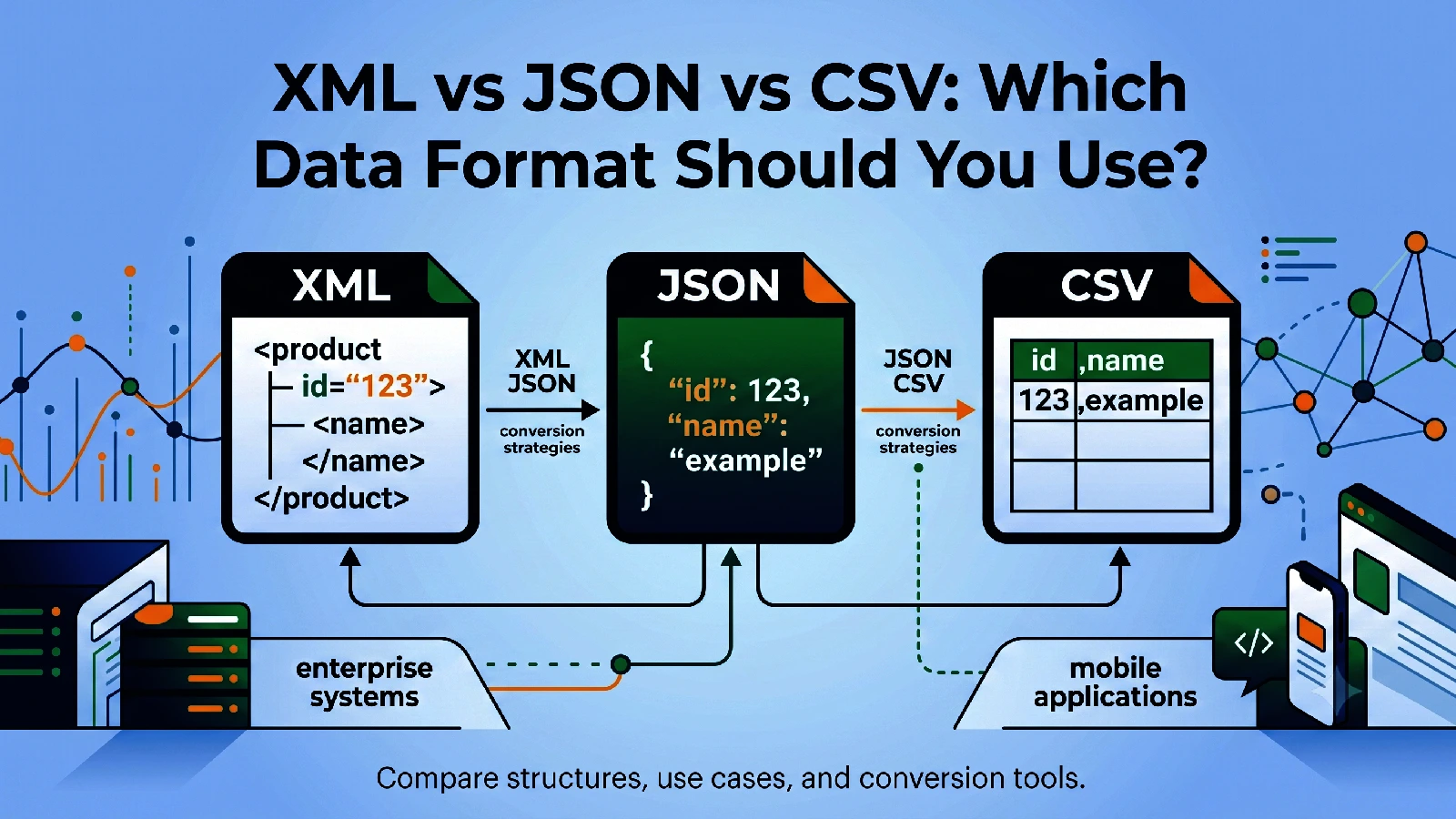
Quick Decision Framework
If you only remember one rule, use this:
- JSON: modern app and API workflows
- CSV: flat table sharing and spreadsheet workflows
- XML: schema-heavy or legacy enterprise integrations
Each format is useful. The best choice depends on downstream tools, structure complexity, and human readability needs.
JSON: Flexible and Developer-Friendly
JSON is lightweight and maps naturally to objects and arrays. That is why it dominates modern APIs and frontend-backend communication.
Strengths:
- compact syntax
- strong support in web/mobile stacks
- easy parsing in most languages
Weaknesses:
- no built-in comments in strict JSON
- less explicit than XML for some schema-heavy systems
Use JSON when your consumer is an API, app service, or automation platform.
CSV: Best for Flat Data and Spreadsheets
CSV is simple and universally recognized by spreadsheet tools.
Strengths:
- minimal structure
- easy to open in Excel/Sheets
- great for bulk tabular export/import
Weaknesses:
- poor fit for nested data
- data types are ambiguous
- escaping rules can cause issues if exports are messy
Use CSV for flat records like product lists, contacts, and monthly report rows.
XML: Structured and Enterprise-Friendly
XML is verbose but highly expressive for hierarchical data and strict contracts.
Strengths:
- strong nested structure support
- common in enterprise integrations
- works well with XSD/contract-driven systems
Weaknesses:
- larger payload size
- more complex to read and write manually
Use XML when required by existing enterprise systems, formal schemas, or legacy vendors.
Conversion Strategies That Work
JSON to CSV
Best when sharing API data with business teams in spreadsheets.
Use JSON to CSV and validate headers before distribution.
CSV to JSON
Best when ingesting spreadsheet exports into apps.
Use CSV to JSON and make sure headers are clean and stable.
XML to JSON
Best when modernizing legacy integrations.
Use XML to JSON to make data easier for app services and scripts.
JSON to XML
Best when sending modern app data into XML-required systems.
Use JSON to XML with a clear root element strategy.
Where Teams Commonly Go Wrong
Treating CSV as universal
CSV is great for flat rows, not deeply nested entities.
Losing structure during flattening
When converting XML or JSON to CSV, nested arrays can collapse poorly.
Ignoring schema contracts
For enterprise integrations, mapping must follow exact required fields and names.
A Practical Hybrid Model
Many teams use all three formats together:
- JSON for app logic and APIs
- CSV for reporting and user exports
- XML for partner/legacy system exchange
The right approach is not choosing one forever, but converting reliably at boundaries.
ToolkitSpace helps with that through:
Final Thoughts
Choose data formats based on destination and structure, not preference alone. JSON, CSV, and XML each solve different problems well. Build a clear conversion standard and your integrations become more predictable, maintainable, and faster to debug.
Frequently Asked Questions
Which format is best for APIs?
JSON is usually preferred for modern web APIs due to smaller payloads and native support in JavaScript ecosystems.
When should I use CSV instead of JSON?
Use CSV for tabular data exchange with spreadsheet users and bulk flat exports.
Is XML outdated?
No. XML is still common in enterprise, finance, and legacy integrations where schema-rich, hierarchical documents are required.
Can I safely convert between all three?
Yes for many cases, but deeply nested structures may require careful mapping when converting to flat CSV.
Tools mentioned in this guide
XML to JSON
Convert XML content into JSON for easier parsing in modern applications.
JSON to XML
Convert JSON objects and arrays into formatted XML with custom root element.
CSV to JSON
Convert CSV rows into clean JSON array format for APIs and app development.
XML to CSV
Convert XML documents into CSV rows for spreadsheet and analytics workflows.